X5 Pro Projector: 1080P + 4K Support, 1100 ANSI, Android
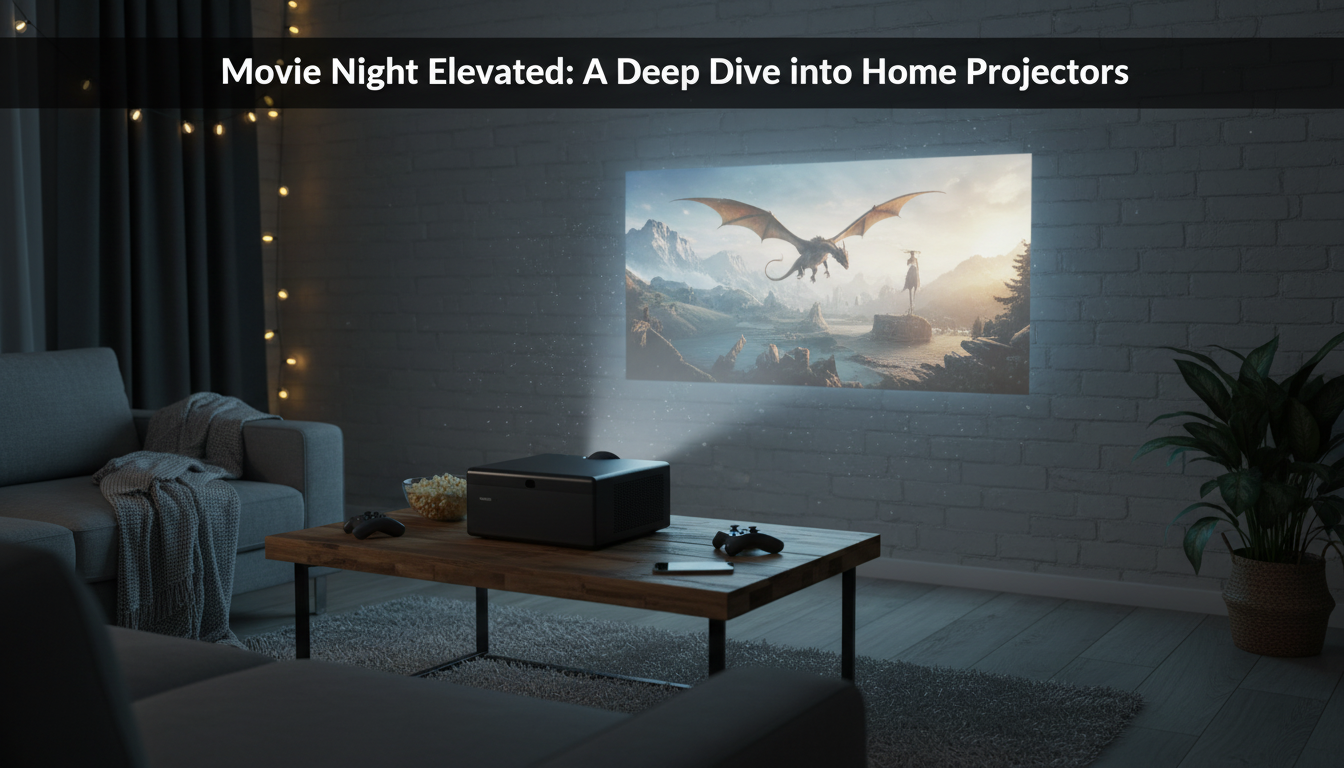
X5 Pro Projector: Full HD Picture, 4K Playback, 1100 ANSI Brightness, Android 11
X5 Pro is built for a living-room-style big screen without the hassle of external streaming sticks. With native 1080P resolution, 4K signal support, 1100 ANSI brightness, and Android 11 onboard, it’s designed for movie nights, sports, and casual gaming in spaces where lighting isn’t always perfect.
What stands out right away
- Native Full HD (1080P) image for sharp text and detailed scenes
- 4K input support for modern streaming devices and media players (downscaled for display)
- 1100 ANSI brightness aimed at improving visibility in ambient light
- Android 11 platform for app-based streaming and standalone playback
- Practical fit for home theater setups, bedrooms, and multipurpose rooms
If you’re shopping for a self-contained projector that can handle everyday room light better than basic entry models, the X5 Pro Full HD 1080P Projector, 4K Support, 1100 ANSI, Android 11 is positioned as a straightforward “set it up and press play” option.
Picture quality in real rooms
The headline spec here is native 1080P. On a larger projected image, native resolution is what keeps faces, jersey numbers, subtitles, and UI elements from looking soft. That extra clarity tends to matter most with mixed viewing—movies one night, a YouTube tutorial or slideshow the next—because fine text shows softness quickly on lower-resolution projectors.
Brightness is the other half of the everyday experience. At 1100 ANSI lumens, the X5 Pro is most impressive in “dimmed room” conditions—think a family room with a lamp on, or curtains pulled but not fully blacked out. For sports, that’s a real convenience: it’s easier to keep the room comfortable and still maintain a punchy, readable image.
To get the best perceived contrast, consider the surface you’re projecting onto. A smooth, matte screen will generally look cleaner than a textured wall, where paint finish and wall texture can create visible grain, hot spots, and uneven color.
For a deeper explanation of why ANSI ratings are more useful than vague brightness claims, ProjectorCentral’s overview is a solid reference: Projector brightness and why ANSI lumens matter.
Room setup tips for a cleaner image
| Room condition | What to do | Why it helps |
|---|---|---|
| Some ambient light (lamps/windows) | Dim nearby lights and avoid projecting opposite bright windows | Preserves black levels and prevents washed-out highlights |
| White wall projection | Use a smooth, matte surface or a fixed/roll-up screen | Reduces texture artifacts and improves uniformity |
| Mixed content (movies + slides) | Use a neutral picture mode and moderate sharpness | Avoids halos on text while keeping films natural |
| Evening sports viewing | Increase brightness and keep color temperature neutral | Maintains vibrant colors without pushing skin tones too warm |
Android 11: streaming without extra gear
With Android 11 built in, the X5 Pro is designed to run streaming apps directly on the projector (availability can vary by region and by app store support). That’s especially useful for quick setups: place the projector, connect power, sign in, and start watching—without dedicating an HDMI port to a streaming stick.
For households that jump between streaming services, this approach also keeps the setup tidy. That said, a wired HDMI source remains the simplest “works every time” option when you need guaranteed compatibility or maximum stability—like a game console, Blu-ray player, or a dedicated streaming device.
For best day-to-day performance, keep firmware and installed apps updated. Updates can improve stability, fix playback quirks, and maintain security over time.
4K support explained (and what it means for viewing)
“4K support” on many projectors means the unit can accept a 4K signal through an input, then scale it down to the projector’s native 1080P panel. That’s what you should expect here: the display is Full HD, while 4K is supported as an input format.
Even when the output is 1080P, 4K sources can still look cleaner. Many 4K streams and files are delivered at higher bitrates with better compression, so textures (grass on a field, hair detail, film grain) can appear more refined than heavily compressed 1080P streams.
To avoid handshake issues and dropouts, use a quality HDMI cable and set the source device’s output to a supported mode if needed. For an overview of HDMI capabilities and standards, the official spec portal is helpful: HDMI specification overview.
If your source is a console, prioritize stable frame pacing and any low-latency settings the projector provides. A consistent 60 fps experience often feels better than chasing maximum resolution when gaming casually on a big screen.
Everyday use: placement, sound, and connectivity
Quick specification snapshot
| Item | Value |
|---|---|
| Model | X5 Pro |
| Native resolution | Full HD 1080P |
| Input support | 4K signal support |
| Brightness | 1100 ANSI lumens |
| Smart system | Android 11 |
Who it suits best
In-stock picks
- X5 Pro Full HD 1080P Projector, 4K Support, 1100 ANSI, Android 11
- Crystal Moon & Star Car Vent Clips
- Retro Corduroy Hair Scrunchies & Headbands – Large, Soft & Stylish
FAQ
Does 4K support mean it displays in 4K resolution?
No. It accepts a 4K input signal, but it displays at its native 1080P resolution by downscaling the image. The benefit is that higher-quality 4K sources can still look cleaner than heavily compressed 1080P streams.
Is 1100 ANSI bright enough for a room with lights on?
It can handle some ambient light, especially with lights dimmed and the projector aimed at a proper screen. “ANSI lumens” is a standardized way of measuring brightness, so it’s generally more meaningful than vague marketing brightness numbers.
Can streaming apps run directly on Android 11?
Yes, Android 11 enables app installation and streaming directly on the projector, though app availability can vary by region and platform support. If a specific app isn’t available or stable, an HDMI streaming stick is a reliable fallback.
















Leave a comment