Wired Gaming Headset: Deep Bass, LED & Mic Setup Tips
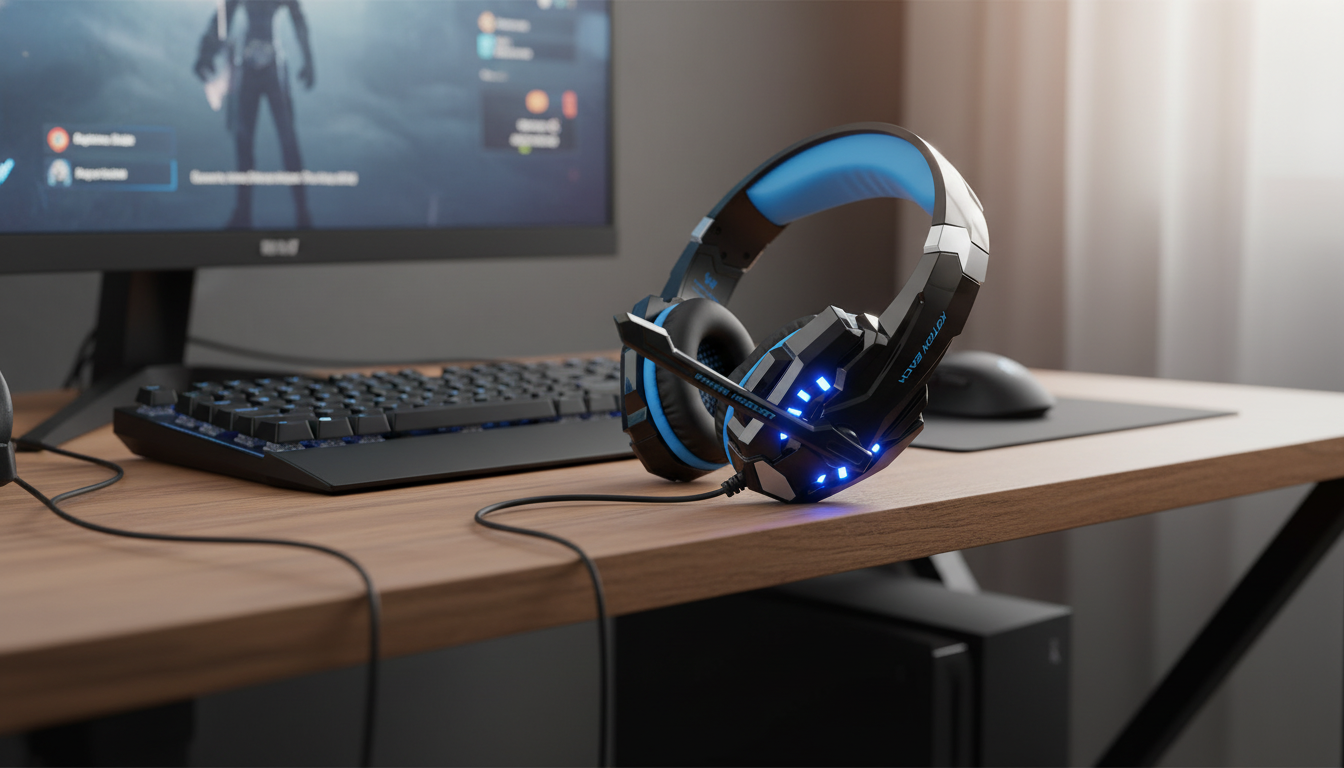
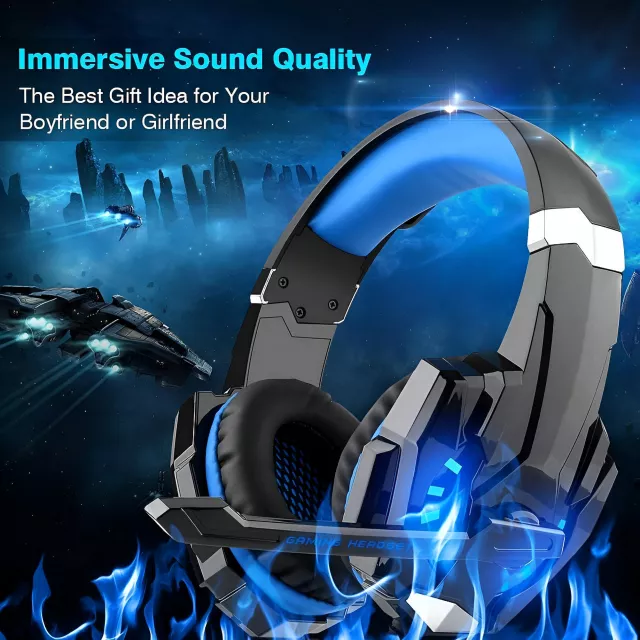
Wired Gaming Headset with Deep Bass, LED Lights & Mic for PS4, PS5, Xbox, and PC
A reliable wired headset can make games sound fuller, keep chat clear, and avoid the dropouts that sometimes happen with wireless gear. This model focuses on punchy low-end, attention-grabbing LED lighting, and a built-in mic designed for everyday party chat and team play across popular consoles and PC. For players who want a straightforward plug-in setup, a wired gaming headset is still one of the easiest ways to upgrade both sound and communication without adding extra charging routines.
What makes a wired headset a solid pick for gaming
Wired headsets stay popular for a few simple reasons: consistency, speed, and fewer moving parts in daily use.
- Stable audio and chat without battery charging or wireless interference.
- Lower-latency feel for footsteps, timing cues, and quick callouts—especially noticeable in competitive shooters and fast-action titles.
- Simple plug-and-play setup for many controllers, laptops, and desktops using a standard 3.5 mm connection.
- Consistent performance for long sessions at home, in dorm rooms, or in LAN-style setups where reliability matters more than roaming range.
Sound profile: deep bass and game audio you can feel
A “deep bass” tuning is all about impact. In story-driven games, it can make environments feel larger and more cinematic; in action games, it adds weight to every explosion, vehicle, and ultimate ability.
- Bass-forward tuning can add punch to explosions, engines, and big cinematic moments.
- Clear mids help keep dialogue, pings, and teammate callouts intelligible even when the action gets noisy.
- Competitive tip: if your inline controls allow it (or if your console/PC EQ is available), slightly reducing bass can make footsteps and subtle reload sounds easier to pick out.
- Wired stability helps keep volume steady and avoids the compression artifacts that can show up in some wireless modes.
Microphone and chat clarity for party and team play
Team games live and die on communication. A built-in mic is meant to keep party chat and quick callouts convenient—no extra desk mic required.
- Built-in mic intended for voice chat on console parties and PC apps.
- Placement matters: position the mic near the corner of the mouth (not directly in front) to reduce breath noise and popping.
- If your voice sounds muffled, double-check the selected input device and adjust gain/mic level in your platform settings.
- Wired connection reduces the chance of sudden mid-match disconnects that can happen with low-battery wireless gear.
For platform-specific microphone controls and troubleshooting, these official guides are helpful: PlayStation Support (PS5 mic level), Microsoft Support (Xbox headset help), and Apple Support (Mac microphone settings).
LED lights: style, visibility, and practical notes
LED lighting isn’t just about looks (though it definitely adds that gaming vibe). It can also make your setup more visible in dim rooms and stand out on camera.
- Stream-friendly style: LEDs can help your headset pop visually without changing your room lighting.
- Power note: many LED headsets use USB power for lighting while audio runs through 3.5 mm. It’s common for lights and audio to use separate connections.
- Late-night comfort: if the design allows turning lights off, it can reduce distraction and cut reflections on glasses.
- Cable routing: keep USB and audio leads aligned (or lightly secured together) to reduce desk clutter and snagging.
Compatibility with PS4, PS5, Xbox, and PC
Most modern gaming platforms handle wired headsets well, but the key is matching the right connector to the right device and confirming audio settings after you plug in.
Quick setup guide by platform
| Platform | Typical connection | What to check if chat doesn’t work |
|---|---|---|
| PS4 / PS5 | 3.5 mm into controller (USB may power LEDs) | Audio device settings, mic level, controller port fully seated |
| Xbox | 3.5 mm into controller (adapter may be needed on older controllers) | Controller compatibility, privacy/party chat settings, mic monitoring |
| PC (laptop) | Single 3.5 mm combo jack or USB + 3.5 mm | Select correct input/output in OS and app; allow mic permissions |
| PC (desktop) | Front I/O jacks or splitter for separate mic/headphone ports | Use splitter if needed; set default recording device |
Comfort and build details to look for during long sessions
If you game with long hair or prefer an extra-soft feel under the headband, a fabric accessory can also reduce friction during long sessions. Options like the Spring Plaid Wide Padded Headband – Chic Cotton Blend Hair Accessory or Retro Corduroy Hair Scrunchies & Headbands – Large, Soft & Stylish can help keep hair out of your face while you play.
Everyday tips for better sound and clearer voice
At-a-glance details and value
To check current pricing and availability, see the Wired Gaming Headset with Deep Bass, LED Lights & Mic for PS4, PS5, Xbox, PC.
FAQ
Will this headset work on PS5 and PS4 controllers?
Yes, if your controller has a 3.5 mm headset jack. Plug it in fully, then set the console audio input and output device to the controller headset in the system settings.
Does it work on Xbox consoles?
It typically works through the Xbox controller’s 3.5 mm port. If you’re using an older controller, you may need an official headset adapter, and it’s worth checking party chat/privacy settings if the mic isn’t detected.
How do the LED lights get power?
Many LED headsets power the lighting via USB while the audio runs through the 3.5 mm plug. If the lights don’t turn on, connect the USB lead to your console, PC, or a powered USB port.















Leave a comment