Android Mini Projector Guide: 1080P LED & Battery
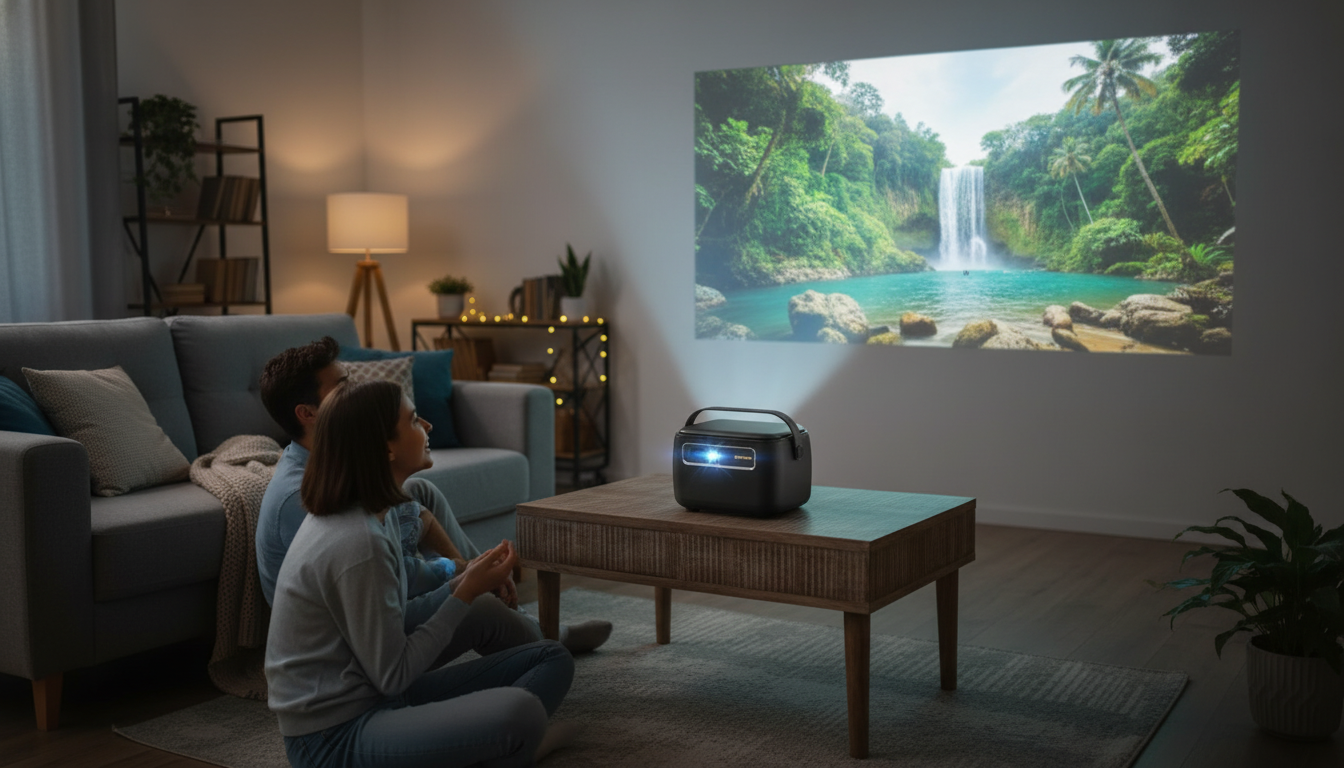
4K Smart Mini Projector with Android, 1080P LED, and Built-in Battery: What to Expect
A compact projector with a built-in battery and Android apps makes it easier to watch movies, stream shows, or share presentations without being tied to a wall outlet. This guide breaks down what to expect from a smart, LED-based mini projector—picture quality, battery-friendly use, connectivity, and practical setup tips for home, travel, and outdoor nights.
What this mini smart projector is designed for
- Portable entertainment when a TV isn’t practical: bedroom ceilings, dorms, travel, and quick backyard setups
- Battery-powered viewing for short sessions or places without convenient outlets
- Android-based streaming and app access without needing a separate streaming stick for basic use
- LED light source for efficient brightness and long service life compared with traditional lamps
At-a-glance highlights
- Smart operating system: Android-based interface for apps and streaming
- Resolution class: 1080P LED projection with support for higher-resolution content (often marketed as 4K-compatible playback)
- Built-in battery: enables cord-free placement for more flexible room layouts
- Mini form factor: easier to pack, store, and reposition than full-size projectors
Battery-powered portability: what to expect in real use
Battery mini projectors are built for flexibility first. Real-world runtime can vary a lot based on brightness level, speaker volume, and whether Wi‑Fi or Bluetooth are running continuously. If the goal is a full movie night, it’s smart to plan a backup power option (AC adapter or USB‑C power, if supported) so you can keep brightness at a comfortable level instead of “stretching” the battery.
- Battery runtime varies widely by brightness, speaker volume, and wireless activity
- For longer movies, plan for nearby power, a supported power bank, or lower brightness modes
- Best battery-first scenarios: cartoons, short episodes, sports highlights, photo slideshows, and casual outdoor viewing after dusk
- Placement tips: use a stable surface, avoid soft bedding that blocks vents, and keep airflow clear
Picture quality basics: 1080P LED and 4K playback claims
A 1080P-class projector is aimed at delivering a sharp Full HD image at common screen sizes (often around 60–120 inches depending on room lighting and throw distance). Many compact models are marketed as “4K” even when their native projection panel is 1080P—often meaning the device can decode and play 4K files/streams while downscaling to its native output. In day-to-day use, the biggest driver of a satisfying image isn’t a label; it’s your environment.
- Darkening the room improves perceived contrast more than most settings changes
- A neutral wall or a simple matte screen helps color and uniformity
- For outdoor use, results are most enjoyable after sunset; daytime viewing usually requires far higher brightness than most mini projectors provide
Smart features: Android apps, streaming, and controls
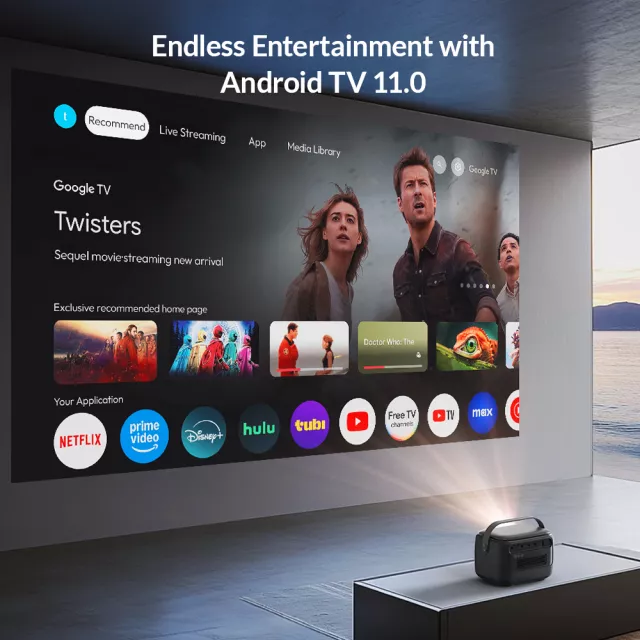
With an Android-based interface, a smart projector can handle a lot of “TV-like” tasks on its own—opening streaming apps, browsing, and playing local media—without automatically needing a separate stick. App availability can differ from a phone because projector builds and certifications vary, so it helps to be flexible: if a service is finicky, casting from a phone or plugging in an HDMI streaming device is a straightforward workaround.
For background on the platform, visit Android’s official site. For the smoothest streaming, place the projector where Wi‑Fi is strong and stable; this reduces buffering and improves startup time.
Connectivity: plugging in consoles, laptops, and speakers
To learn more about the standard itself, see the HDMI specifications overview. For wireless audio basics, the Bluetooth technology overview is a helpful reference.
Sound: built-in speaker vs. external audio
Setup checklist for a clean image
Quick specs and buying-fit checklist
| Feature | Why it matters | What to look for |
|---|---|---|
| Native projection resolution | Determines real sharpness on screen | 1080P-class native output for crisp text and detail |
| Battery performance | Enables flexible placement and outdoor viewing | Enough runtime for your typical session; option to power while playing |
| Smart OS (Android) | Direct access to apps and streaming | Stable Wi‑Fi, usable app store, and straightforward navigation |
| HDMI input | Best compatibility for laptops/consoles/sticks | Full-size HDMI preferred; test cables for length and fit |
| Audio options | Better sound for movies and groups | Bluetooth speaker pairing and/or audio-out support |
Product option in stock
If you want an all-in-one setup that’s easy to move from room to room, consider the 4K Smart Mini Projector with Android 11, 1080P LED, and Built-in Battery. It’s well-suited for bedroom viewing, casual gaming, travel entertainment, and outdoor nights where cord-free placement is a priority.
For road trips or organizing your vehicle setup for outdoor movie nights, a small add-on like Crystal Moon & Star Car Vent Clips can help keep the car interior tidy and personalized while you’re packing gear and accessories.
FAQ
Does a built-in battery projector work well for a full-length movie?
It can, but runtime depends heavily on brightness, volume, and wireless use. For longer movies, plan to plug in power (or use supported external power) so you don’t have to dim the image too much.
Is “4K” the same as native 4K resolution on a mini projector?
Not always. Many mini projectors can play 4K content but display it at their native panel resolution (often 1080P), so native resolution is what determines true on-screen sharpness.
Can a smart projector replace a streaming stick?
For many apps, yes—Android-based projectors can stream directly. If a specific service is limited, using an HDMI streaming stick or casting from a phone is a common alternative.















Leave a comment