1250 ANSI Smart 1080p Projector: Real-World Setup
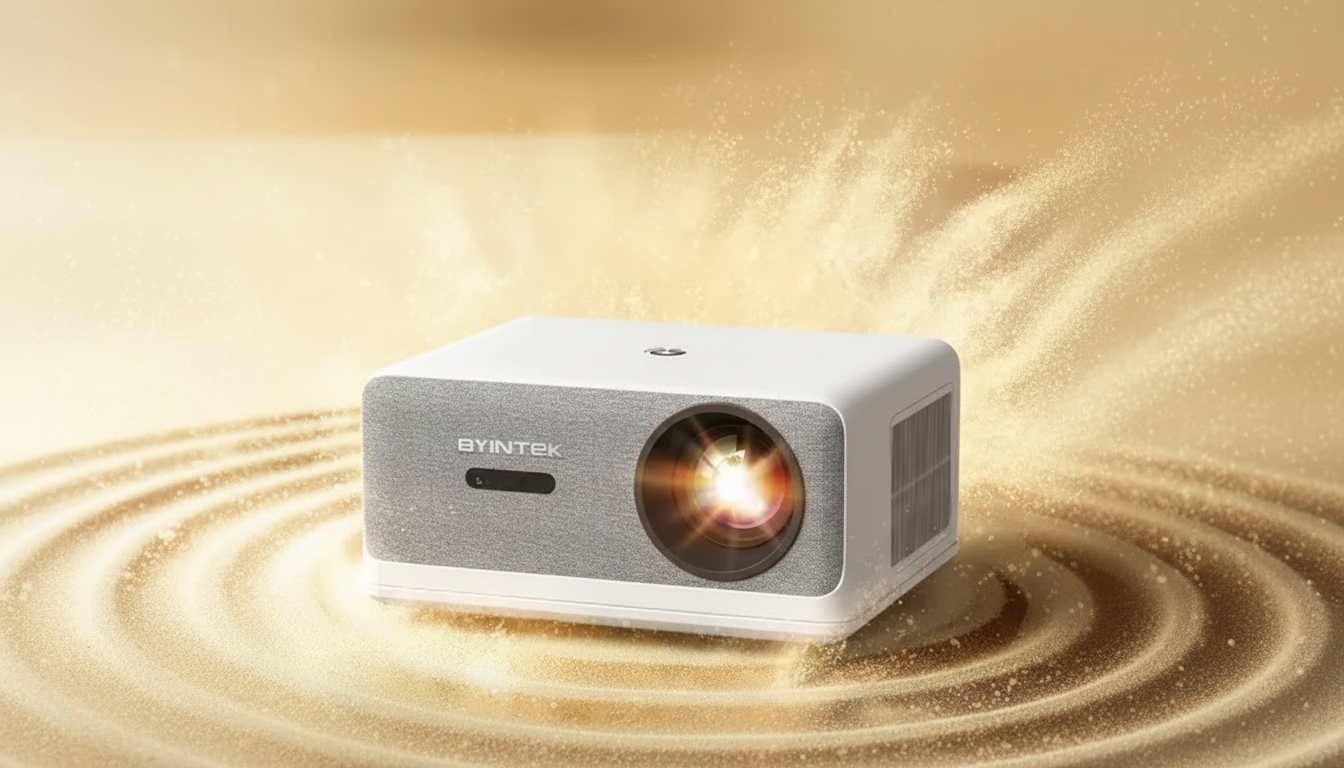
Full HD 1080P Smart Home Theater Projector with 1250 ANSI Brightness: Setup, Picture Quality, and Everyday Use
A smart projector can replace a TV for movie nights, casual gaming, and streaming—if brightness, focus, and connectivity match the room. This Full HD 1080P smart home theater projector pairs 1250 ANSI brightness with built-in smart features, aiming for a clear picture on larger screens without complicated gear.
What 1250 ANSI brightness means for real rooms
Brightness is one of the quickest ways to predict whether a projector will feel “TV-like” or only usable in the dark. The key detail here is ANSI brightness: it’s measured using a standardized method, which makes it more reliable for comparing models than vague “lux” numbers or inflated lumen claims. For more background, see ANSI lumens and ProjectorCentral’s brightness glossary.
In practice, 1250 ANSI brightness tends to look best in dim to moderately lit spaces. If sunlight is pouring in or ceiling lights hit the screen directly, contrast drops (that’s true for any projector). The easiest improvements are simple: block direct light, keep light sources behind the seating area, and avoid shiny or heavily textured walls that can sparkle or soften details.
| Room lighting | Typical viewing result | Tips to improve image |
|---|---|---|
| Dark room (lights off) | Best contrast and punchy color | Use a matte white screen; reduce stray light around the screen |
| Low ambient light (lamps on) | Very watchable for movies and sports | Aim projector carefully; consider dimmable lamps behind seating |
| Moderate ambient light | Good for TV-style viewing, contrast reduced | Use a screen; avoid light hitting the screen directly |
| Bright daylight | Image visible but washed out | Close curtains; move to shaded wall; consider evening viewing for movies |
Screen choice matters almost as much as brightness. In a light-controlled room, a neutral matte white screen keeps color consistent across wide seating angles. If you regularly watch with some lights on, a higher-gain screen can help the image “pop,” but it may narrow the best viewing angles—something to keep in mind for wide couches or open living rooms.
Full HD 1080P clarity on a big screen
Native Full HD 1080p is a sweet spot for big-screen streaming and console gaming: subtitles stay readable, menus look cleaner, and fine texture (like hair, fabric, or film grain) holds together better than with lower-resolution projectors—especially as you move toward 100–120 inches.
To get that crispness on real walls and screens, placement is crucial. Center the projector to the screen whenever possible and treat keystone correction as a last resort. Digital keystone is convenient, but it can shave off perceived detail because the projector is resampling the image. A few extra minutes spent aligning the projector’s position often pays back every time you watch.
Content presets can also change the feel dramatically. Cinema-style modes typically emphasize more accurate color and smoother gradients for movies. Standard modes can look brighter for sports and everyday TV. If there’s a low-latency or game mode available, it’s worth enabling for faster controller response.
If external audio is involved (Bluetooth speakers, soundbar, or a receiver), check lip-sync. Some devices allow delay adjustments on either the projector or the playback device—useful if dialogue lands slightly ahead of or behind the picture.
Smart features for streaming and everyday convenience
Built-in smart functionality can reduce clutter. Instead of a streaming stick hanging off the back, many setups can run apps directly on the projector, keeping cables and remotes to a minimum—especially nice for bedrooms, apartments, and multipurpose spaces.
Streaming quality depends heavily on Wi‑Fi stability. If buffering shows up, small changes can help: move the router into a more open spot, shift the projector a bit to improve signal, or reduce network congestion during prime time. If your setup supports it (directly or by adapter), wired Ethernet is often the most consistent option for high-bitrate streaming.
App catalogs vary by platform, so it’s worth confirming your must-have services and whether casting from a phone or tablet is supported. Also, keep firmware updated—updates can improve app compatibility, patch security issues, and smooth out performance over time.
Placement, focus, and screen sizing
Connections and pairing with audio gear
For the most reliable quality, HDMI beats wireless casting. Consoles, Blu‑ray players, and many streaming devices deliver steadier video and more predictable audio sync over a cable. HDMI standards and capabilities are summarized at the official HDMI specification overview.
Care, longevity, and day-to-day ownership
Product snapshot
| Detail | Value |
|---|---|
| Model | Full HD 1080P Smart Home Theater Projector with 1250 ANSI Brightness |
| Resolution | Full HD 1080P |
| Brightness | 1250 ANSI |
| Type | Smart home theater projector |
| Price | $632.32 |
| Availability | In stock |
Also in stock (small add-ons and accessories)
- Spring Plaid Wide Padded Headband – Chic Cotton Blend Hair Accessory
- Retro Corduroy Hair Scrunchies & Headbands – Large, Soft & Stylish
- Crystal Moon & Star Car Vent Clips
FAQ
Is 1250 ANSI brightness enough for a living room with some lights on?
It’s typically enough for dim to moderately lit rooms, especially for sports and casual TV-style viewing. For movie nights, lowering ambient light and preventing direct light on the screen will noticeably improve contrast; a proper screen can also help.
Will Full HD 1080P look sharp on a 100–120 inch screen?
Yes, it can look sharp at common seating distances when focus and alignment are dialed in. Minimizing digital keystone and using higher-quality sources (less-compressed streams or good bitrates) helps keep fine detail intact.
Do smart projectors replace a streaming stick?
For many setups, built-in apps and casting are enough to stream everyday content without extra hardware. A streaming stick can still be useful for specific apps, faster platform updates, or a preferred interface, and HDMI remains the most reliable fallback.















Leave a comment