Switch Bluetooth Gamepad With Hall Effect Sticks
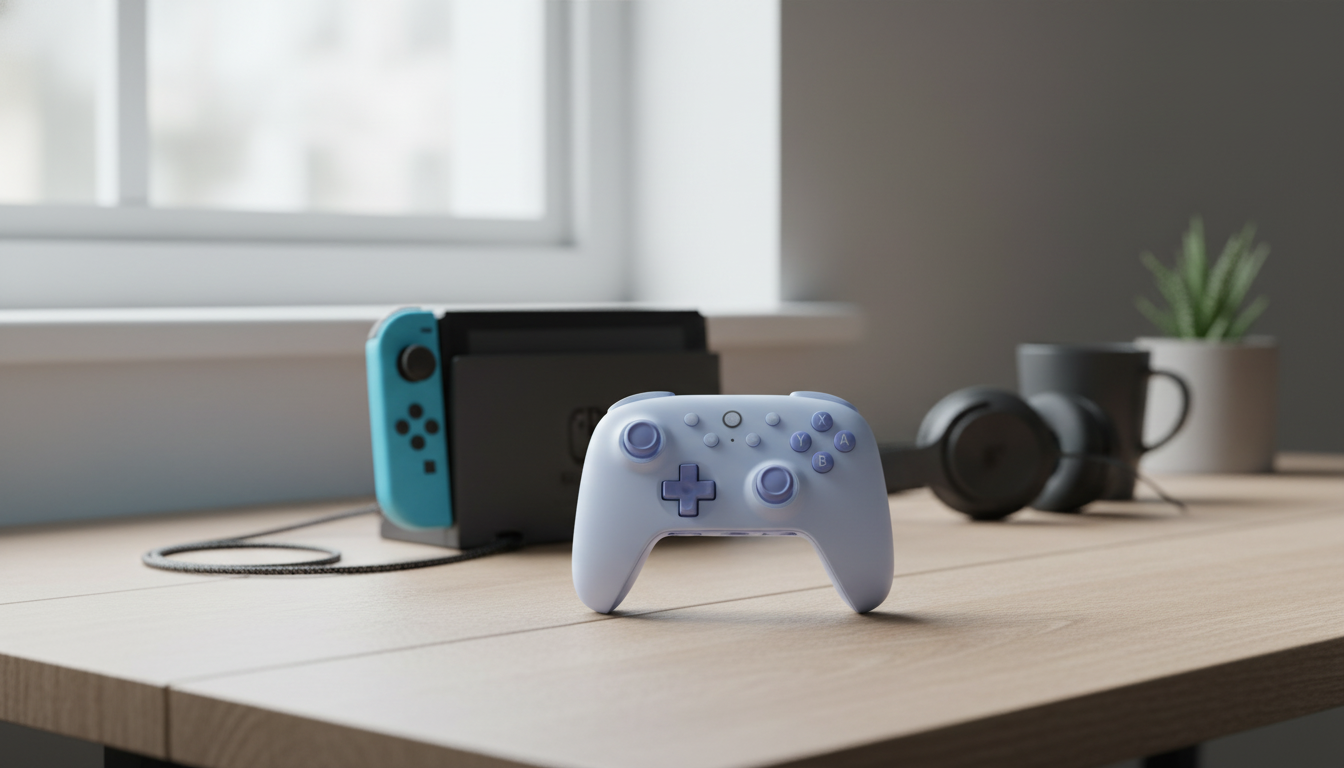
Ultimate Wireless Bluetooth Gamepad with Hall Effect Joysticks for Switch Consoles
A comfortable controller can make long sessions feel effortless—especially when it stays responsive, pairs quickly, and keeps stick control consistent over time. This wireless Bluetooth gamepad is built for Switch consoles with Hall Effect joysticks, plus the core features players look for in a daily driver controller. If the goal is couch-friendly wireless play with a steadier “new controller” feel that lasts, Hall Effect stick design is one of the biggest upgrades to prioritize.
What Sets Hall Effect Joysticks Apart
Traditional joystick modules often rely on contact-based sensing that can wear as you rack up hours. Hall Effect joysticks use magnetic sensing instead, measuring movement through changes in a magnetic field rather than depending on the same type of mechanical contact points.
- Hall Effect sensors read magnetic movement rather than relying on physical contact points, which can help maintain consistent input over extended use.
- Reduced wear at the sensing point can help limit common stick issues that develop over time.
- Smooth micro-adjustments are especially useful for aiming, racing lines, and platforming corrections.
- Good fit for players who want a more “set-and-forget” stick feel across months of play.
For a quick technical overview of how Hall Effect sensing works in general, Texas Instruments provides a clear breakdown of Hall-effect sensor principles here: Texas Instruments — Hall-effect sensors overview.
Wireless Play on Switch Consoles
Wireless is about more than ditching a cable—it’s about consistency when it matters. A Bluetooth controller should feel easy to grab, quick to connect, and stable across typical living room distances.
- Bluetooth connection designed for cable-free play in docked or handheld-friendly setups.
- Ideal for living room play: fewer cables across the couch, easy pick-up-and-play sessions.
- A strong wireless experience depends on pairing stability, battery habits, and minimizing interference from crowded 2.4GHz environments.
- Tip: keep the console within clear line-of-sight when possible to reduce dropouts during competitive play.
If the console’s controller menus or pairing flow look unfamiliar, Nintendo’s official controller and accessory help pages are a reliable reference: Nintendo Support — Controllers & Accessories.
Controls, Comfort, and Everyday Handling
Specs are helpful, but the “everyday feel” is what decides whether a controller becomes the go-to option. Comfort shows up in long RPG nights, repeated retry loops in platformers, and steady pressure during races.
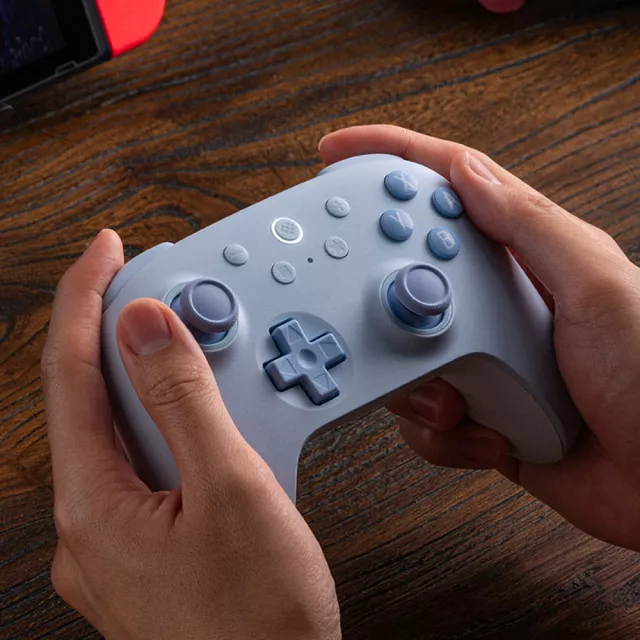
- Ergonomic grips matter for longer sessions: look for a shape that supports relaxed wrists and steady thumb reach.
- Button feel affects timing-heavy games—platformers, rhythm titles, and fighters benefit from consistent actuation.
- Stick tension and cap texture can influence accuracy and fatigue, especially in shooters and action RPGs.
- Good controller balance reduces hand strain when playing for extended stretches.
Small comfort upgrades outside the controller can also help during marathon sessions—keeping hair out of your face or reducing distractions can be surprisingly valuable. If that’s a real issue during long play, a soft accessory like the Spring Plaid Wide Padded Headband – Chic Cotton Blend Hair Accessory is an easy add-on to a gaming setup without cluttering the space.
Core Features to Check Before Buying
When comparing Switch-compatible wireless controllers, it helps to focus on a handful of make-or-break details. Some features are nice to have, but others are hard to “fix later” if the core hardware doesn’t feel right.
- Joystick tech: Hall Effect for long-term consistency and smoother tracking.
- Connection options: Bluetooth for Switch compatibility; confirm the pairing method and supported modes.
- Battery and charging: consider charge frequency based on play habits; keep a charging cable accessible near the dock.
- Mapping and extras (when available): turbo or programmable functions can be helpful for grind-heavy games, but should be easy to toggle off for normal play.
- Motion control expectations: some Switch games lean heavily on motion; confirm whether motion features are supported if that matters for gameplay.
For players shopping specifically for Hall Effect sticks and Switch-friendly wireless play, the Ultimate Wireless Bluetooth Gamepad with Hall Effect Joysticks for Switch Consoles targets those priorities in a straightforward, everyday controller format.
Quick Feature Checklist
| Feature | Why It Matters | Best For |
|---|---|---|
| Hall Effect joysticks | Consistent sensing with reduced wear at the measurement point | Aim-heavy games, long-term daily use |
| Bluetooth wireless | Cable-free play across docked setups and couch distance | Living room gaming, casual to competitive sessions |
| Ergonomic grips | Less hand fatigue and steadier control | Long sessions, RPGs, action games |
| Reliable buttons & triggers | Cleaner timing for inputs and combos | Platformers, fighters, rhythm games |
| Simple pairing workflow | Faster setup and fewer reconnect hassles | Shared consoles, multi-player households |
Setup Tips: Pairing, Calibrating, and Keeping Inputs Consistent
Who This Gamepad Fits Best
For shared setups, it also helps to have quick “grab-and-go” accessories nearby. Something simple like the Retro Corduroy Hair Scrunchies & Headbands – Large, Soft & Stylish can keep play comfortable without adding desk clutter or cables.
Ultimate Wireless Bluetooth Gamepad: At-a-Glance
FAQ
Do Hall Effect joysticks prevent stick drift?
Hall Effect sensing reduces wear at the sensing mechanism and can help maintain consistent readings over time, but it doesn’t guarantee drift can never happen. Calibration settings, firmware behavior, and physical debris or damage can still affect stick performance.
How do you connect a Bluetooth controller to a Switch console?
Open the Switch controller pairing screen, put the controller into pairing mode using its sync procedure, then select it when it appears and confirm the connection. If it was paired to another device before, re-pairing (or removing prior connections) can help it connect cleanly.
What can cause wireless input lag or disconnects?
Common causes include long distance, poor line-of-sight, crowded wireless environments, and low battery. Moving closer to the console, charging the controller, re-pairing, and reducing nearby wireless congestion often improves stability.















Leave a comment