One-Hand RGB Mini Mechanical Keypad with RGB Backlight
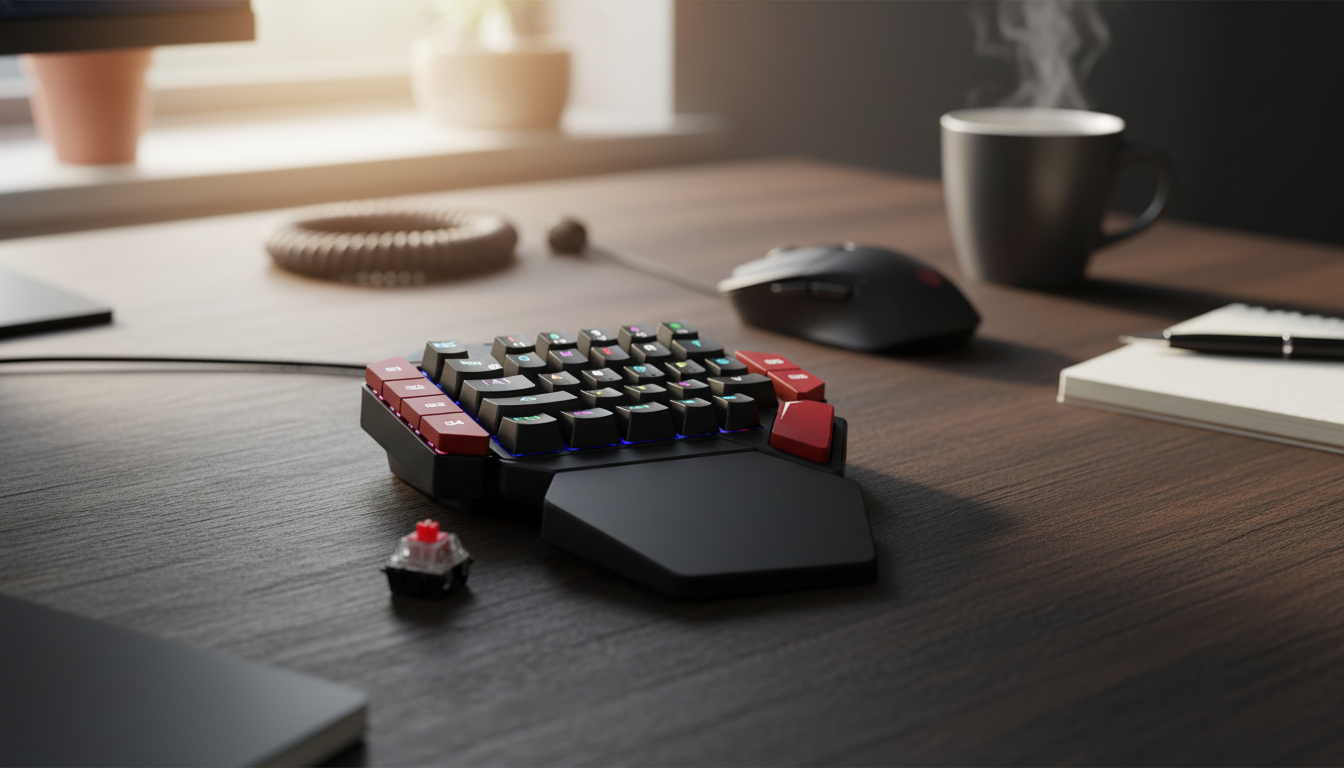
One-Handed RGB Backlit Mini Mechanical Gaming Keyboard
A one-handed mechanical keypad keeps the most-used movement and skill keys within a tighter reach, freeing desk space for wide mouse sweeps and giving a consistent hand position across sessions. This compact format is built for fast inputs, clear backlighting, and a layout that can be learned quickly—especially for FPS, MOBA, and battle royale play where repeated key sequences matter.
If your current setup feels cramped or your left hand constantly “hunts” across a full keyboard during hectic fights, a dedicated keypad can simplify muscle memory while keeping your main keyboard available for typing, chat, and everyday work.
What a one-handed mechanical keypad does differently
A one-handed gaming keypad isn’t trying to replace your full keyboard—it’s designed to tighten up the controls you press most and make them easier to hit under pressure.
- Concentrates commonly used keys (movement, modifiers, skills, push-to-talk) into a smaller footprint to reduce hand travel.
- Creates more mouse room on smaller desks or low-sensitivity setups where large mouse movement is common.
- Encourages a consistent left-hand posture that can feel steadier than reaching across a full-size keyboard during hectic moments.
- Works well as a dedicated gaming input while keeping a full keyboard available for typing, chat, or work.
Because most PCs treat keyboards and keypads as standard USB input devices, running both together is typically straightforward (USB Human Interface Device basics are outlined by the USB-IF HID overview).
Design highlights that matter during play
Compact controllers can look similar on a product page, but in actual matches the “small” details show up fast—especially when you’re repeating the same actions hundreds of times per session.
- Mechanical key feel supports rapid taps and repeated presses with clearer feedback than many membrane mini pads.
- RGB backlighting improves key visibility in dim rooms and can help quick recognition of clusters (movement vs. abilities).
- Compact chassis keeps the left hand anchored; a stable base helps prevent shifting during intense inputs.
- Mini format makes it easier to pack for LAN events or move between setups without re-learning a full keyboard layout.
Mechanical switches are widely valued for consistent actuation and feel; if you want a deeper background on the concept, see the general reference for mechanical keyboards.
Comfort and control setup tips
A keypad can be fast, but it should also be comfortable. Small adjustments to placement and bind strategy can reduce fatigue and make the layout feel “locked in.”
- Angle the keypad so the wrist stays neutral; a slight outward rotation often reduces forearm tension.
- Place it closer to the body than a standard keyboard to keep the shoulder relaxed, especially for long sessions.
- Use a wrist rest (if available) or a soft desk mat to reduce pressure points on the heel of the hand.
- Map seldom-used actions to harder-to-reach keys; keep movement, reload/interact, crouch, and primary abilities on the easiest rows.
For players who fine-tune binds often, it helps to name your “clusters” (movement, utility, abilities) and keep those groups consistent across games. That consistency is what makes a one-handed layout feel natural after a few sessions.
RGB lighting: useful patterns rather than distraction
RGB can look great, but it can also be a practical tool when used with restraint. The goal is quick recognition, not visual clutter.
- Choose a single, steady color for competitive play to reduce visual noise; reserve animated effects for casual sessions.
- Assign colors by function (movement cluster, abilities, utility) if software or onboard modes allow simple grouping.
- Lower brightness in dark rooms to avoid eye fatigue; higher brightness can help when streaming with strong ambient light.
- Confirm that lighting settings persist after unplugging if the device supports onboard memory; otherwise expect to reselect modes.
A simple approach that works well: make movement keys one color, “escape/utility” another, and anything you don’t want to hit accidentally a dimmer shade.
Specs at a glance
Use the table below as a quick reference when comparing a one-handed keypad to a standard keyboard or other compact controllers. If a setup uses a laptop or a tight desktop area, footprint and cable routing tend to matter as much as lighting.
| Feature | What to look for | Why it helps |
|---|---|---|
| Mechanical keys | Distinct actuation with consistent travel | Faster repeat presses and clearer feedback |
| RGB backlighting | Readable legends and adjustable brightness | Better visibility and functional key grouping |
| Compact footprint | Smaller than a full keyboard section | More mouse space and cleaner desk layout |
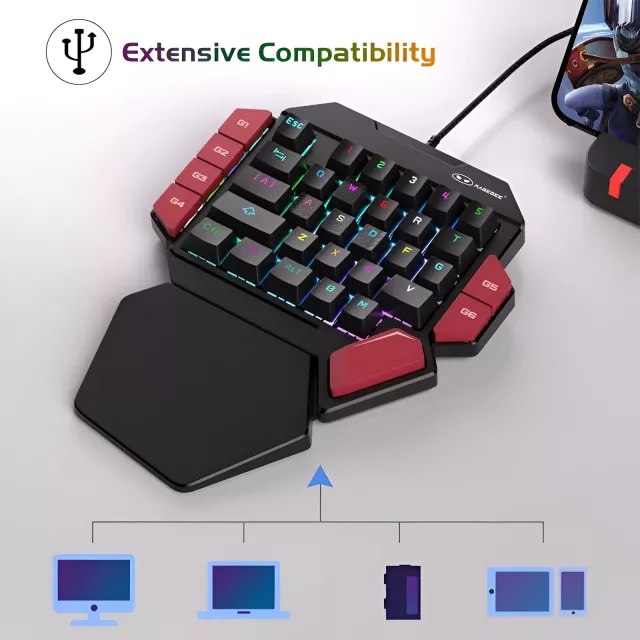
| Connectivity | USB wired for stable input | Low-latency, reliable connection for gaming |
Recommended picks available now
- One-Handed RGB Backlit Mini Mechanical Gaming Keyboard — a compact mechanical keypad built for fast inputs and clear lighting.
- Spring Plaid Wide Padded Headband – Chic Cotton Blend Hair Accessory — a comfortable option to keep hair out of your face during long sessions or while wearing a headset.
- Retro Corduroy Hair Scrunchies & Headbands – Large, Soft & Stylish — an easy way to tidy up hair quickly before jumping into a match or going live.
Who it’s best for (and who may want a full keyboard instead)
Care, cleaning, and long-term reliability
FAQ
Does a one-handed mechanical keypad work with a regular keyboard at the same time?
Yes. Most computers can recognize multiple USB input devices simultaneously, so you can game on the keypad while keeping a full keyboard connected for typing, chat, and shortcuts.
Is RGB lighting only cosmetic, or can it be practical?
It can be practical for visibility in low light and for identifying key clusters faster. A simple static color or a few functional color groups is usually best for focus.
Will it feel strange switching from WASD on a full keyboard?
There’s usually a short adjustment period. Starting with familiar binds and consistent placement, then refining a few keys at a time, helps your hand settle into the new layout quickly.















Leave a comment